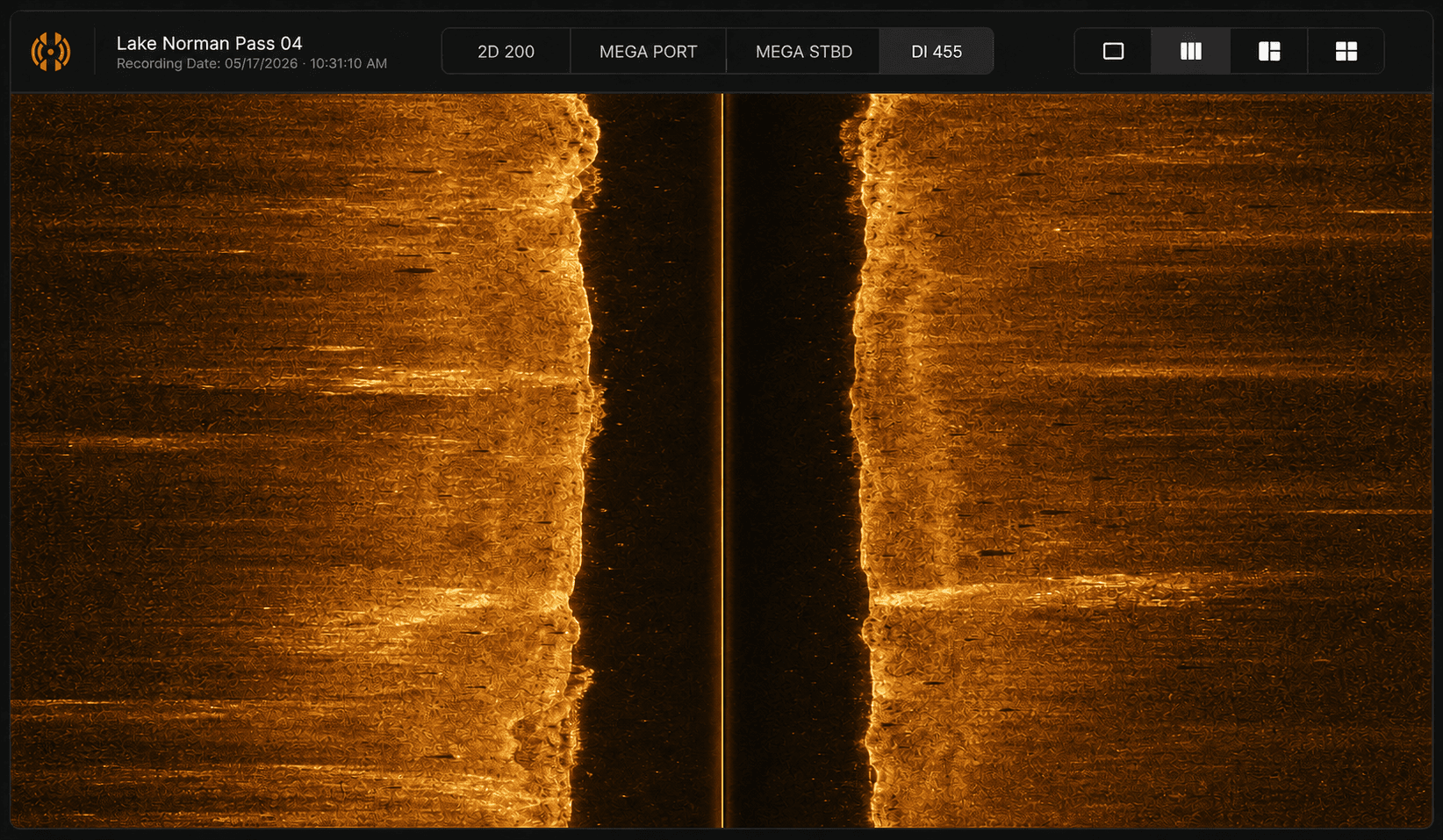
Multi-Channel Viewer
Switch between 2D, Down Imaging, Side Imaging, and MEGA channels with a keypress. Zoom, playback, and palette controls built in.
HumVision is a desktop workbench for Humminbird side-imaging recordings. Review tracks, mark contacts, smooth noisy GPS, and export your findings — all without leaving the app.
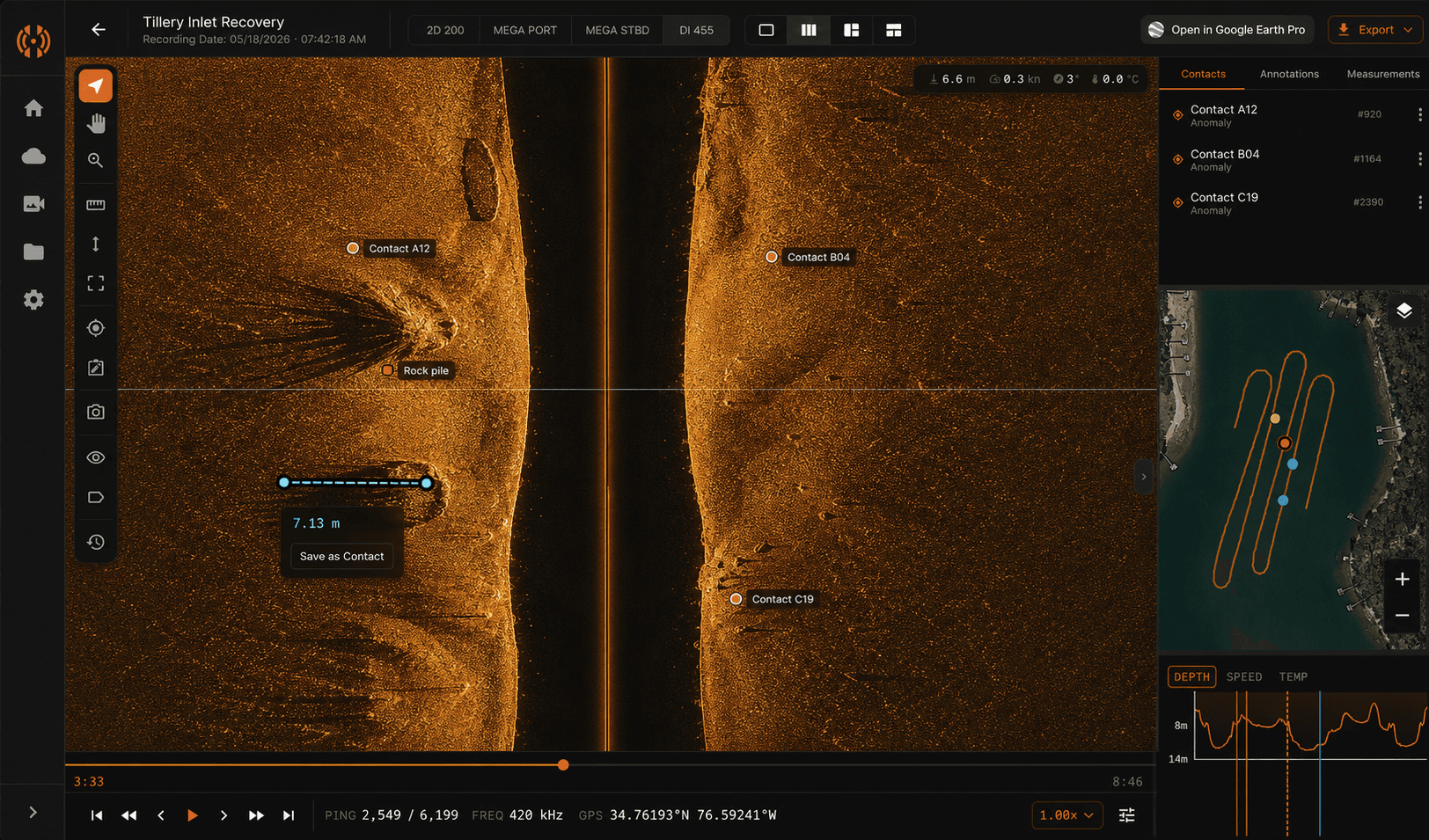
Every feature earned its place. No bloat, no wizards, no upsell modals.
Switch between 2D, Down Imaging, Side Imaging, and MEGA channels with a keypress. Zoom, playback, and palette controls built in.
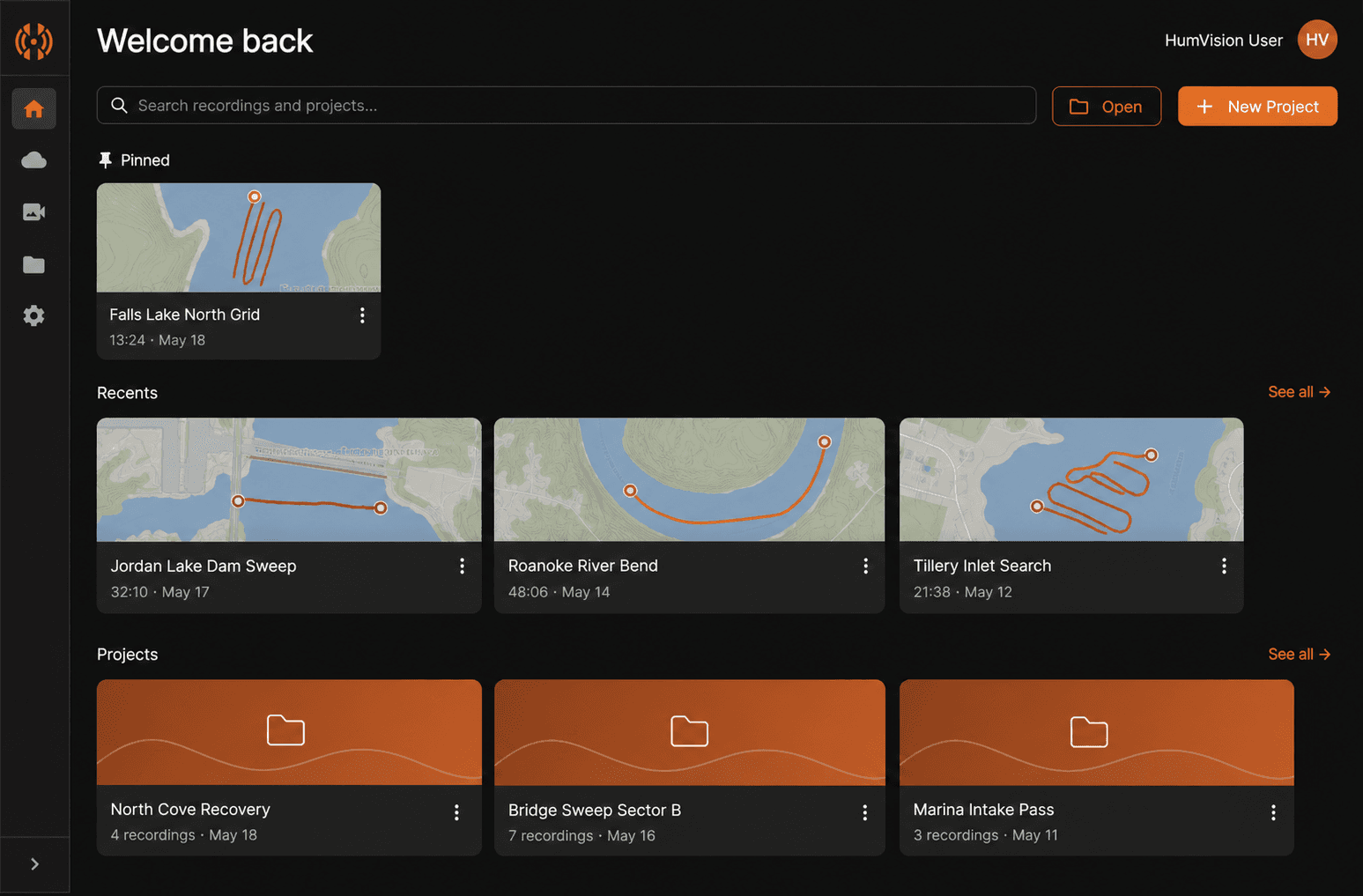
Organize recordings by location, survey session, or trip. Pinned recordings, recent sessions, and quick actions on the home screen.
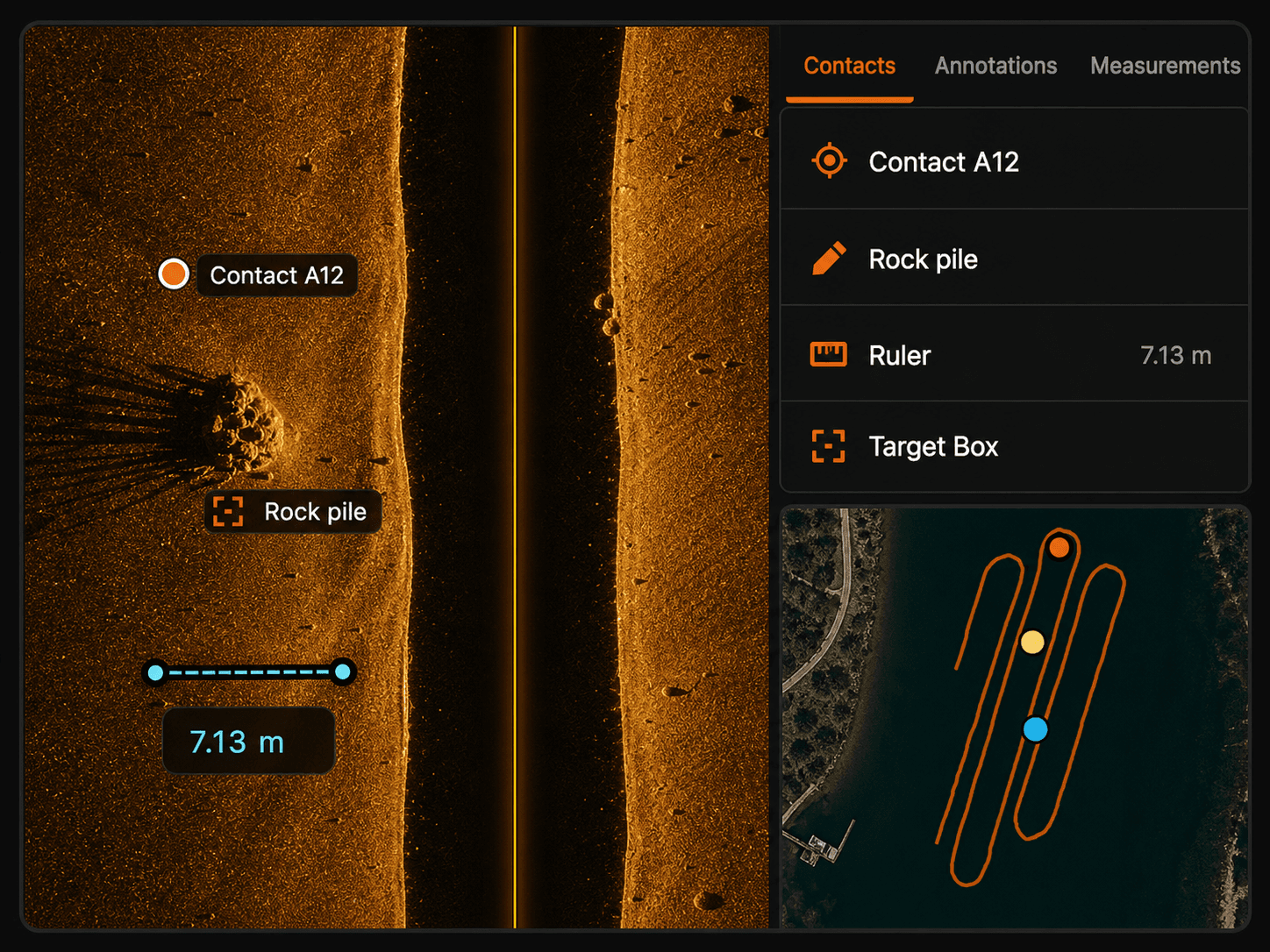
Mark any point on the sonar with a label. Contacts and annotations appear in the sidebar and as markers on the GPS map.
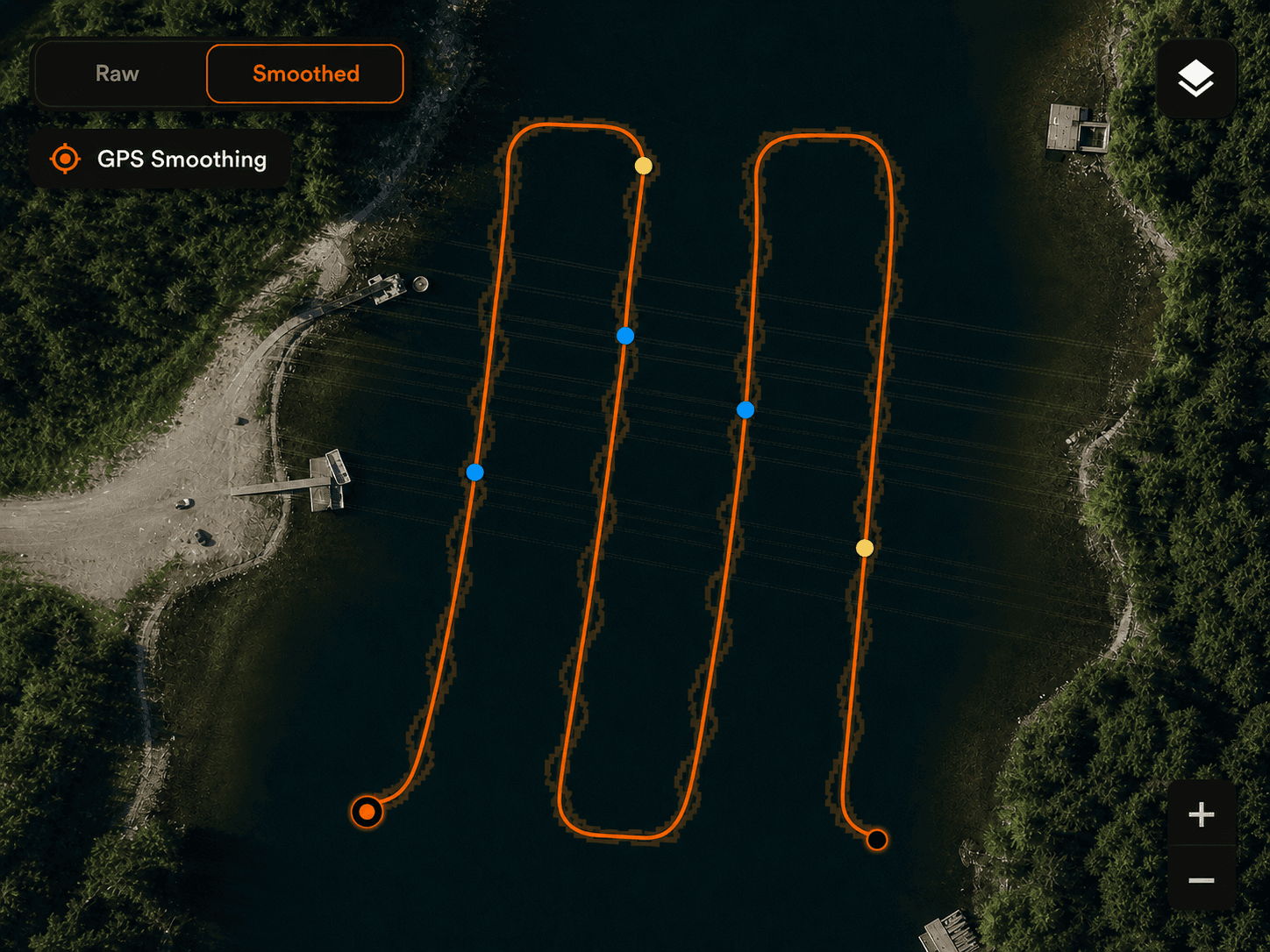
A two-pass smoothing algorithm removes the stairstepping artifacts that come from low-resolution Humminbird GPS data.
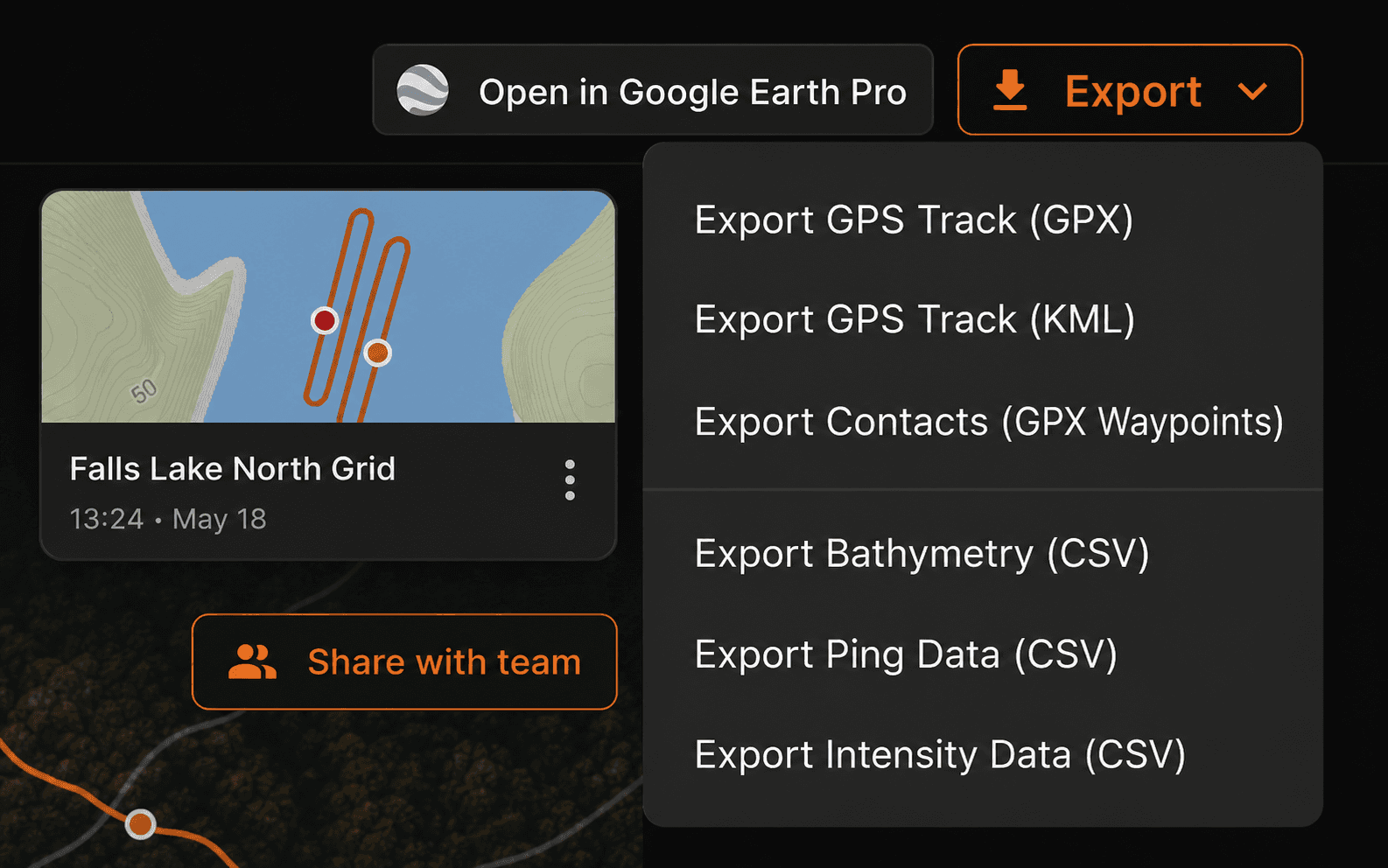
Share recordings with your team* in the cloud. Export contact data to CSV, sonar frames as images, and GPS tracks as KML for Google Earth Pro.
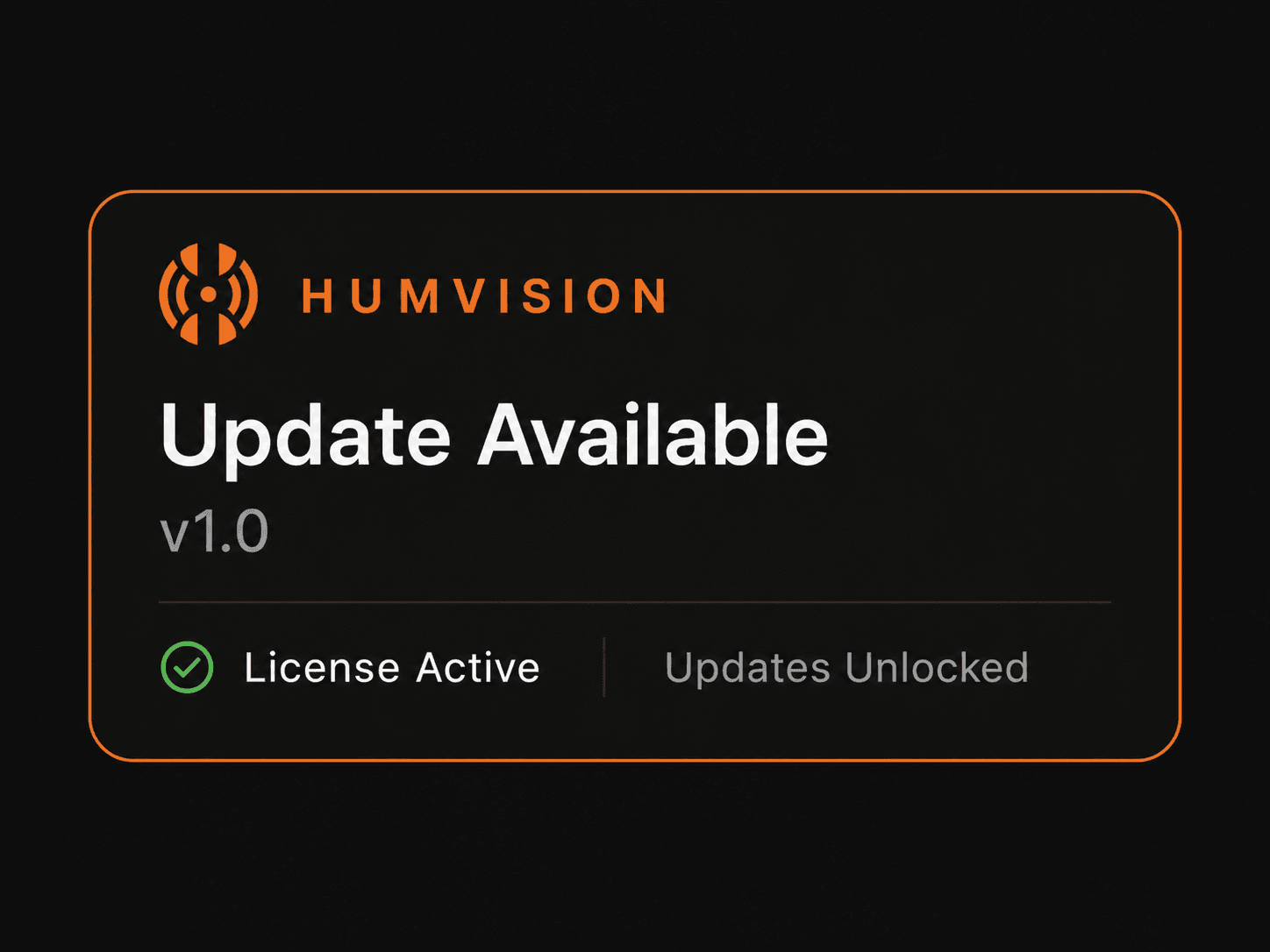
Updates come with your license. New features and fixes arrive automatically. No installers, no version mismatch across machines.
* Cloud sharing is available on Team and Department plans.
Pro is the personal paid tier. Team adds the shipped shared workspace. Department keeps that same collaboration surface and expands it to an unlimited operator plan.
Best For Individual Operators
One operator. Your machines. Full app.
Best For Single SAR, Dive, or Water-Rescue Unit
One team. Shared recordings and projects.
Best For Departments and Larger Multi-Operator Orgs
Team workspace. Unlimited operators.
HumVision Field (iOS) is in development and will be included in Team and Department plans.
Part of a volunteer nonprofit? Learn about our nonprofit program.
SAR teams, fire and rescue water-rescue divisions, sheriff's dive units, volunteer search organizations, and certified dive recovery operators. If your sonar passes are looking for missing people, drowning victims, or underwater evidence, you're the target user. We deliberately do not market this to anglers or academic researchers. The workflow assumes you are working a case.
Helix, Solix, and MEGA units with side-imaging, down-imaging, or 2D sonar. HumVision opens .son, .dat, and .idx files directly. If your unit writes those file types, you are covered.
Windows 10 or 11, 16 GB of RAM, and any discrete GPU made in the last five years. macOS support on Apple Silicon is in beta. You do not need a dedicated workstation. The analysis runs on the same laptop most teams already field with them.
It depends on recording length, pass quality, and how you work. HumVision pulls scrubbing, contact marking, GPS mapping, mosaic generation, and export into one desktop, so the review you used to run across three tools happens in one. We do not publish a fixed multiplier because every recording is different, and we would rather you measure it on your own first case.
Yes. Recovery work happens at lakes with no service, so the full analysis runs on your machine with the network off. The app checks in with our license server once every 30 days when you are connected. If you will be off-grid longer than that, email us before you head out and we will extend your check-in window.
The desktop app auto-updates in the background. Pro is a one-time personal license that stays current. Team and Department are annual organization subscriptions, and the entitlement keeps every operator on the latest build for as long as the subscription is active.
Tracks, contacts, bathymetry data, raw ping data, mosaics, snapshots, and Google Earth overlays. The app is built for field review and operator handoff, not for generating a formal audit report.
Team is the 10-operator organization plan. Department is the unlimited-operator plan for a full agency. The collaboration feature set is identical between them, so the only thing the upgrade buys you is capacity. Grant writers and treasurers get one line item that does not change every time someone joins or leaves the roster.
Pro is built for individual personal use, so Pro accounts cannot share recordings, projects, or live annotations. If two or more operators on your crew need to hand off a case or co-review the same scan, you need Team or Department. That is where shared recordings, shared projects, and live contact and annotation sync live.
Volunteers buying out of pocket should buy Pro. Team only makes sense when multiple operators in the same organization need to collaborate inside the shared workspace.
A Pro license runs on up to 2 computers at a time. Team and Department use operator seats on an organization account.
30-day money-back guarantee on every paid tier. If it does not work for your gear or your workflow, email us and we send the full amount back.
For personal Pro work, recordings stay on your computer and never touch our servers. When an organization user chooses to share a recording or project, HumVision uploads that archive to your organization storage so teammates can download it. Contacts and annotations sync through the shared workspace. You decide what gets shared and what stays local.